
There are two kinds of travel app lists:
- a “top 57 apps” roundup you’ll never use, and
- a small toolkit that makes trips smoother.
This is the second kind.
1) Itinerary organization: keep confirmations from becoming chaos
If you book flights/hotels/tours through different sites, the real stress is not booking—it’s tracking.
TripIt is built for this: it turns travel details into a single itinerary (especially handy when plans live across multiple inboxes).
Quick setup tip: create one “Trip” per destination and add:
- flight info
- lodging
- day tour confirmations
- addresses + check-in times
2) Getting from A to B: routes that aren’t “just rent a car”
For multi-city travel, Rome2rio is the classic “what are my options?” app—combining flights, trains, buses, ferries, and driving in one search.
It’s especially useful in Europe and Asia where train/bus combinations often beat short flights.
3) Maps: make sure you can navigate without signal
Even if you’ll have mobile data, download a map anyway. It’s the travel equivalent of packing a charger.
Google’s own guidance shows how to download an area for offline use in Google Maps.
Before you go, download:
- your arrival city
- your hotel region
- a 50–100 km radius if you’re doing day trips
4) Translation: offline mode saves you when you need it most
Google Translate supports downloading languages for offline use, which is a lifesaver when you’re ordering food or reading signs with weak signal.
Family tip: download the local language even if you “won’t need it.” Kids get hungry at the worst times.
5) Splitting costs: avoid the “I’ll send you later” spiral
Group travel is where budgets go to die—unless you track expenses as you go.
Splitwise is designed to share and organize group expenses so you can settle up cleanly at the end.
6) Money abroad: a travel card that doesn’t punish you on exchange rates
If you travel internationally more than once a year, having a dedicated travel card can simplify budgeting.
Wise markets a travel money card built for spending across many currencies and countries.
7) Connectivity: set it up once, stop hunting for SIM kiosks
If your phone supports eSIM, setting up data ahead of time is one of the easiest travel upgrades.
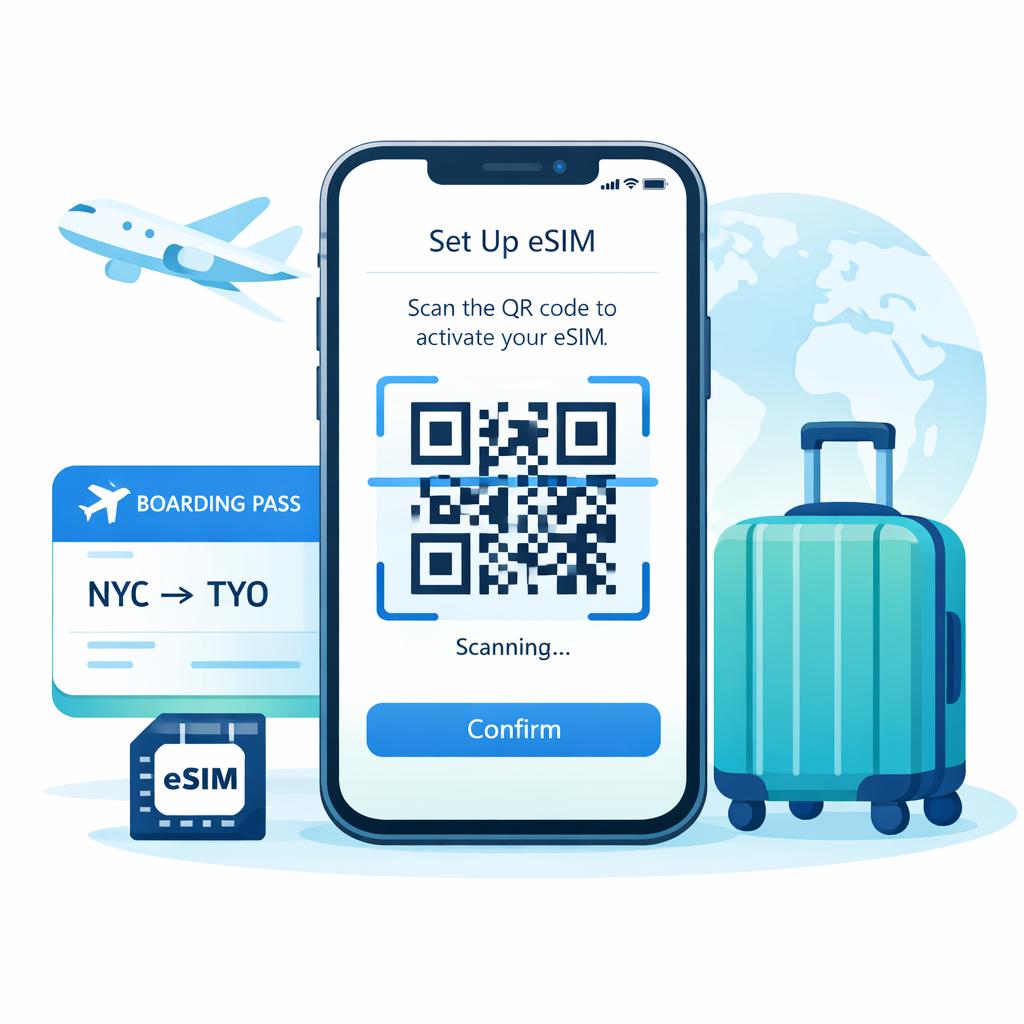
On eSIM2get, you install an eSIM by scanning a QR code, and you can prepare it before you fly.
One key detail for travel plans: the bundle starts when the eSIM first connects to a supported network with Data Roaming enabled—so install early, activate on arrival.
A clean “pre-trip” checklist for apps
48 hours before:
- download offline maps
- download offline language pack
- screenshot/backup booking confirmations (yes, still worth it)
At the airport:
- ensure your travel eSIM is installed but not accidentally active