
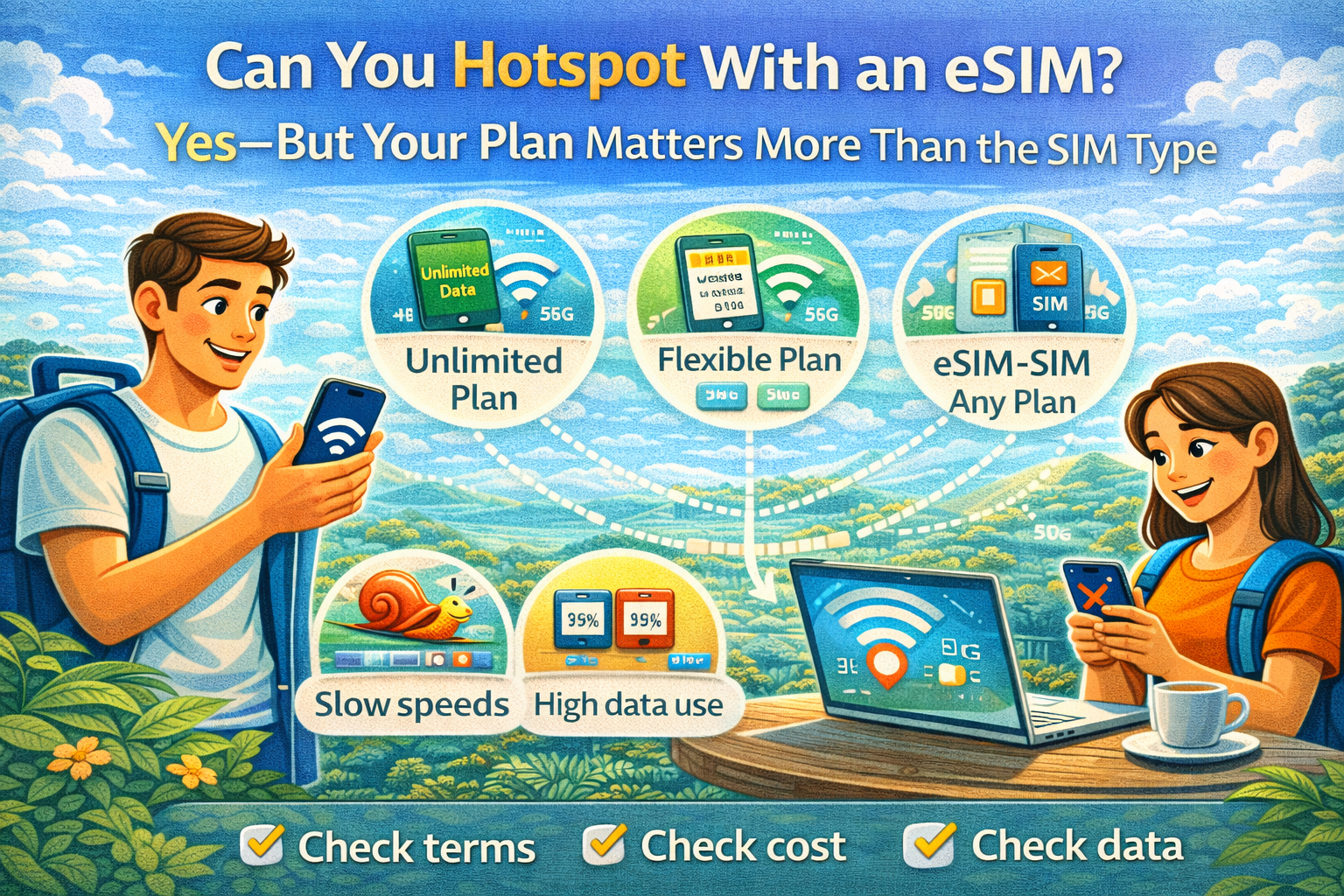
The short answer: yes, you can hotspot with an eSIM.
The real answer: it depends on your carrier/plan and your phone settings, not whether your SIM is physical or embedded.
What hotspot actually is
Apple defines Personal Hotspot as creating a temporary Wi‑Fi network using your iPhone/iPad’s cellular data connection.
That’s why hotspot behavior is tied to your mobile plan.
The two reasons hotspot “mysteriously” doesn’t work
1) Your carrier limits tethering
Android’s own help docs are blunt here: some mobile carriers limit tethering or charge extra for it.
Apple says if you don’t see the option for Personal Hotspot, contact your carrier.
2) Your device settings aren’t set up
Sometimes hotspot is off, or your phone isn’t using the eSIM for data.
How to turn on hotspot on iPhone
Apple’s setup steps are simple:
- Settings → Personal Hotspot (or Cellular → Personal Hotspot)
- Turn on “Allow Others to Join”
Apple also notes the number of devices that can join depends on your carrier and iPhone model.
How to turn on hotspot on Android
Android’s official steps:
- swipe down → tap Hotspot
- connect your other device via Wi‑Fi/Bluetooth/USB
And again: carriers may limit or charge extra.
Travel setup that works well: keep your home SIM + use travel eSIM for data
With Dual SIM phones, it’s common to keep your physical SIM for calls/SMS and use a travel eSIM for mobile data. eSIM2get explicitly describes this as a typical setup.
That setup is especially useful if you need hotspot for a laptop but still want your normal number reachable.