eSIM

Montserrat

📶 4G LTE/5G ((•)) O2 Allemagne
📶 Unlimited Internet
🛡️ Fast and Reliable Internet
🚫 No Roaming Fees
Choose a Plan
7 days
1 GB
$6.54
15 days
2 GB
$11.63
30 days
2.9 GB
$16.39
4.9 GB
$23.70
9.8 GB
$40.99
19.5 GB
$0.69

Instant Activation

Your eSIM is delivered immediately after payment.

No roaming fees or hidden charges

You connect to local mobile networks in your selected country.

Works on iPhone and Android

Supports most modern devices.

Easy Installation

Step-by-step instructions help you activate your eSIM quickly.

How to install an eSIM?

Find your destination and choose the number of days for the plan you need.

For iPhone

Open Settings

Go to Settings → Mobile Data (or Cellular).
Add eSIM
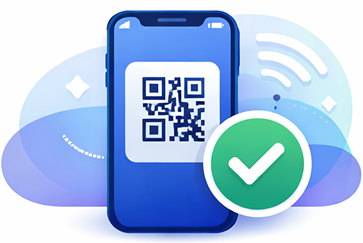
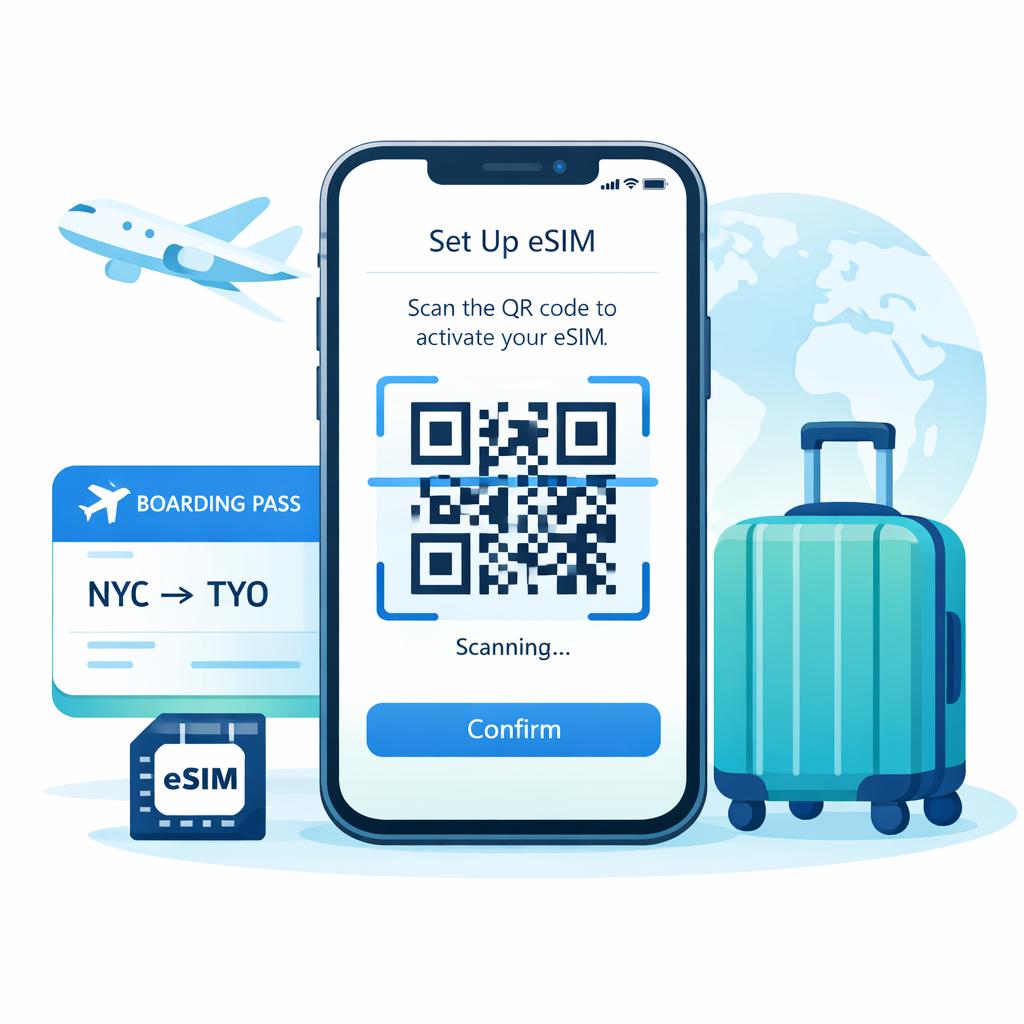
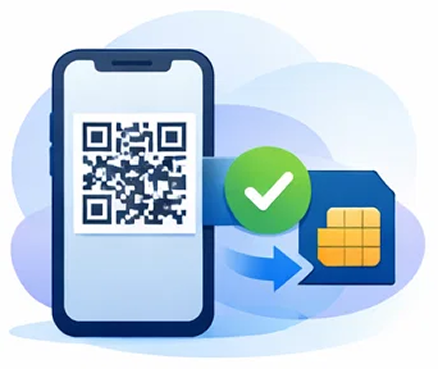
Tap Add Plan → Scan QR Code.
Scan the QR Code
Point your camera at the QR code you received after purchase.

Check Activation

Turn on mobile data and select the eSIM as your primary plan.

For Android

Open Settings

Go to Settings → Connections or Network & Internet.
SIM Manager / Add eSIM
Select SIM Manager or Add eSIM.
Scan the QR Code
Tap Scan QR Code and point your camera at the code.

Check Activation

Make sure the new eSIM is activated and selected for mobile data.

Popular Questions

How does an eSIM work and how is it different from a physical SIM card?

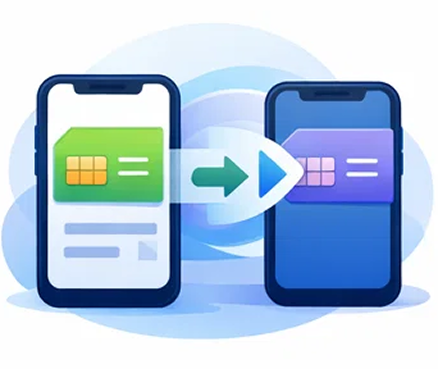
An eSIM (embedded SIM) is a digital SIM profile downloaded to your device (no plastic card required). It lets you store multiple carrier profiles on the same device and switch profiles remotely in your phone settings.
A physical SIM is a removable card you must insert/swap manually; an eSIM achieves the same “network identity” function but via software provisioning instead of a card.

Your phone must be:

1) eSIM-capable (has eSIM support in hardware/software), and

2) carrier-unlocked (not restricted to one mobile operator).

Quick checks:

– On iPhone: Settings → Cellular/Mobile Data → look for “Add eSIM”.

– On many Android phones: Settings → Network & Internet/SIM Manager → look for “Add eSIM” (wording varies by brand).
If you’re unsure, compare your model to an eSIM-supported device list (and confirm your device is unlocked).

Before you start

– Use a stable internet connection (Wi-Fi recommended).

– Have your QR code (or manual install details if provided).

iPhone (typical flow)

1. Settings → Cellular/Mobile Data → Add eSIM

2. Choose Use QR Code and scan it

3. Finish prompts, then label the plan (e.g., “Travel eSIM”)

Android (typical flow)

1. Settings → Network & Internet / Connections → SIMs (or SIM Manager) → Add eSIM

2. Scan QR code (or choose manual install if needed)

3. After install, enable Data Roaming for the eSIM when you’re ready to use it abroad

For travel data plans, the bundle starts automatically when the eSIM first connects to a supported network with Data Roaming enabled (you can’t schedule a future start time).

Practical tip: you can install the eSIM before your trip, but to avoid starting early, don’t set it as the active data line until you arrive, and follow Apple-specific guidance to prevent accidental data usage during setup.

The eSIM profile validity is 365 days and the expiry timer starts when a bundle is assigned, then refreshes when a new bundle is applied.

Common fixes:

– Make sure the QR code image is clear (not distorted), increase screen brightness, improve lighting, and move the camera closer/further until it focuses.

– Confirm the eSIM isn’t already installed—errors like “This code is no longer valid” can happen if the eSIM was previously added or the scan failed.

– Ensure you have a stable internet connection during installation (Wi-Fi recommended).

If scanning still fails, use manual installation (enter SM-DP+ address / activation code if provided by your eSIM instructions) instead of QR.

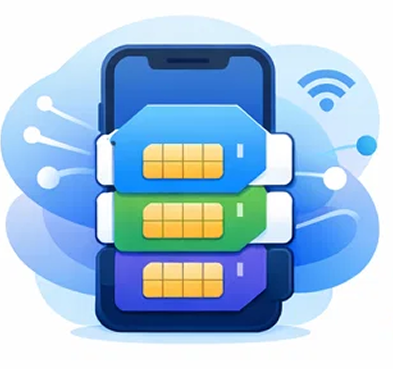
Yes – on Dual SIM phones you can use one physical SIM + one eSIM (and on some models, two eSIMs) at the same time.
Typical setup is: keep your physical SIM for calls/SMS, and use the travel eSIM for mobile data.

– On fixed-data bundles, once you consume all data, data service stops (even if there are days remaining). Any unused data after the plan validity ends also expires and can’t be carried over.

– On some “Unlimited” bundles, after a certain amount of high-speed usage, you may be throttled rather than fully cut off (depends on the specific unlimited plan).

Travel & eSIM

How to Choose the Best eSIM Plan for Your Trip

So, you’re planning to use an eSIM for your trip (great choice!). But how do you pick the best plan?

Read More

What Is an eSIM Card and How Does It Work?

eSIM technology is a new way to connect to a mobile network, and for many people it’s still something unfamiliar.

Read More

How to Install and Activate an eSIM

You’ve probably used a physical SIM card before, so you can imagine how much more convenient eSIM can be.

Read More

How to Change Your Data Plan Without Replacing Your SIM Card

Fast and affordable internet access is an essential part of everyday life.

Read More

How Many eSIMs Can You Add to a Phone?

Did you know that you can store multiple eSIMs on your smartphone?

Read More

What to Pack: Travel Checklist for Europe

When preparing for a trip around Europe, it’s important to pack wisely to stay comfortable and reduce stress.

Read More

Languages