
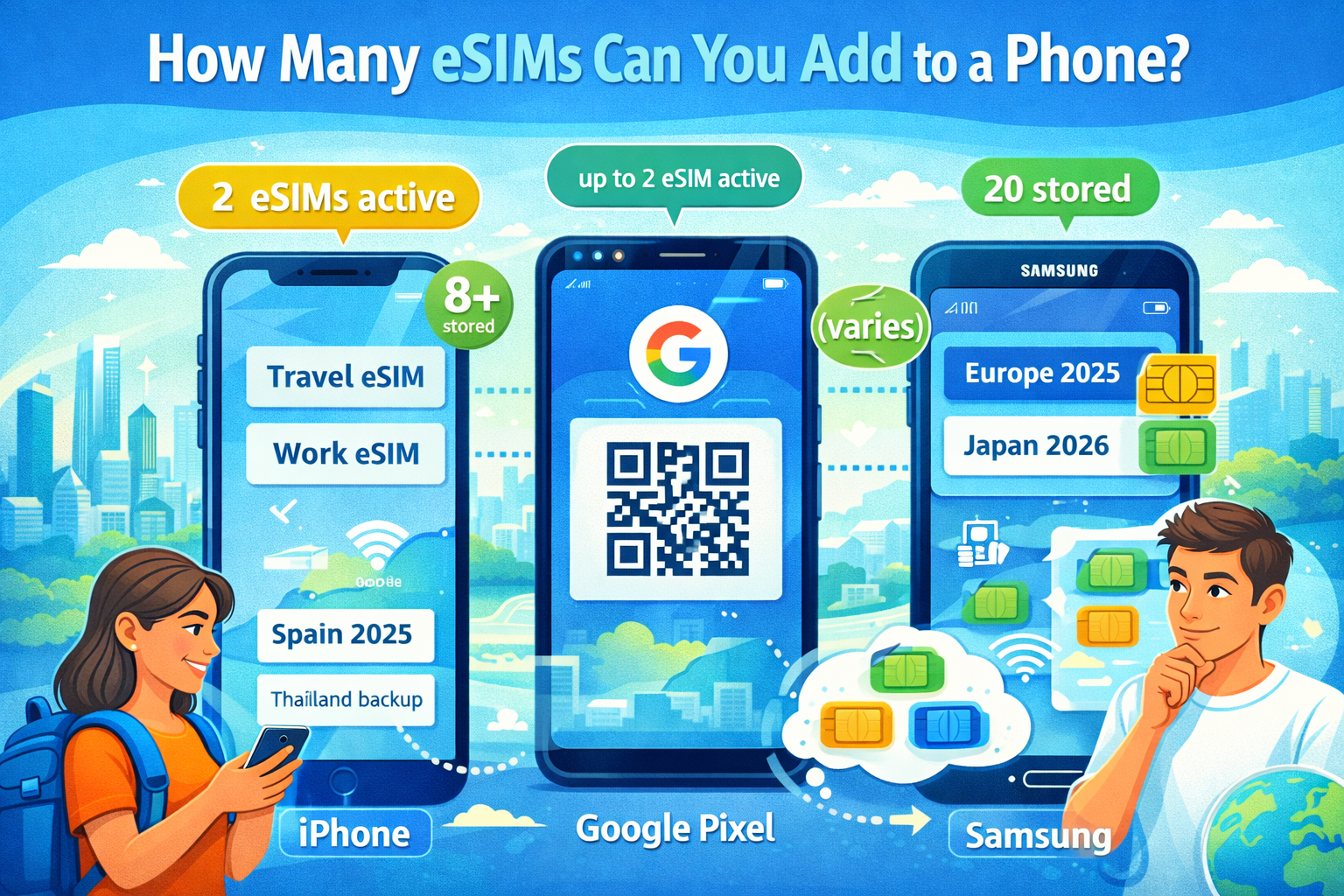
People ask this after their second or third trip: “Can I just keep my eSIMs installed and reuse them later?” The short answer is: usually yes, but the rules depend on your phone.
The key is to separate two different limits:
- How many eSIM profiles you can store (downloaded and saved on the phone)
- How many SIMs/eSIMs can be active at once (actually connected and usable simultaneously)
Those are not the same thing.
iPhone: stored vs active eSIMs
Apple’s official guidance is very clear:
- On supported iPhone models, you can have two eSIMs active at the same time
- You can store 8 or more eSIMs and switch which ones are active in Settings
Which iPhones support two active eSIMs?
Apple’s Dual SIM documentation states:
- iPhone 13 models and later support Dual SIM with two eSIMs
Practical takeaway: iPhone is one of the easiest phones for travelers who want to keep multiple eSIMs ready and switch between them.
Google Pixel: dual eSIM depends on model and carrier
Google confirms a real, specific condition:
- You may use 2 eSIM profiles at once if you have a Pixel 7 or later and your carrier allows this feature
Practical takeaway: Pixel can be excellent for travel, but dual eSIM is both model‑dependent and carrier‑dependent.
Samsung Galaxy: high storage capacity for eSIM profiles (model-dependent behavior)
Samsung provides an official number for many Galaxy devices:
- The device can download up to 20 eSIM profiles
- The real maximum may be lower depending on eSIM chip memory and profile size
Practical takeaway: Samsung often wins on “how many you can store”, but how many can be active at the same time varies by device model and configuration.
A simple comparison (what most travelers actually need)
| Phone family | How many eSIMs can you store? | How many can be active at once? | Notes |
|---|---|---|---|
| iPhone (supported models) | 8+ | 2 eSIM active | Apple explicitly states 8+ stored, 2 active on supported models |
| Google Pixel 7+ | (varies) | up to 2 eSIM active | Only if carrier supports dual eSIM |
| Samsung Galaxy (many models) | up to 20 | (varies) | Samsung states up to 20 downloadable profiles; memory can reduce it |
What this means if you use eSIM2get on multiple trips
Two practical notes from eSIM2get’s side:
- Your phone needs to be eSIM-capable and carrier-unlocked.
- For travel plans, the bundle starts when the eSIM first connects to a supported network with Data Roaming enabled—so if you keep many eSIMs stored, always double-check which one is selected for data before you land.
Tips for managing multiple eSIMs like a sane person
- Label your lines (“Spain 2025”, “Europe backup”, “Work”)
- Keep QR codes/activation details somewhere safe (password manager works well)
- Don’t delete an eSIM while you’re troubleshooting unless your provider explicitly tells you to—reinstall isn’t always possible, and many issues are just one toggle away (data line / roaming / airplane mode).
- If you travel often: keep one “regional” plan as backup and install single-country plans as needed.