
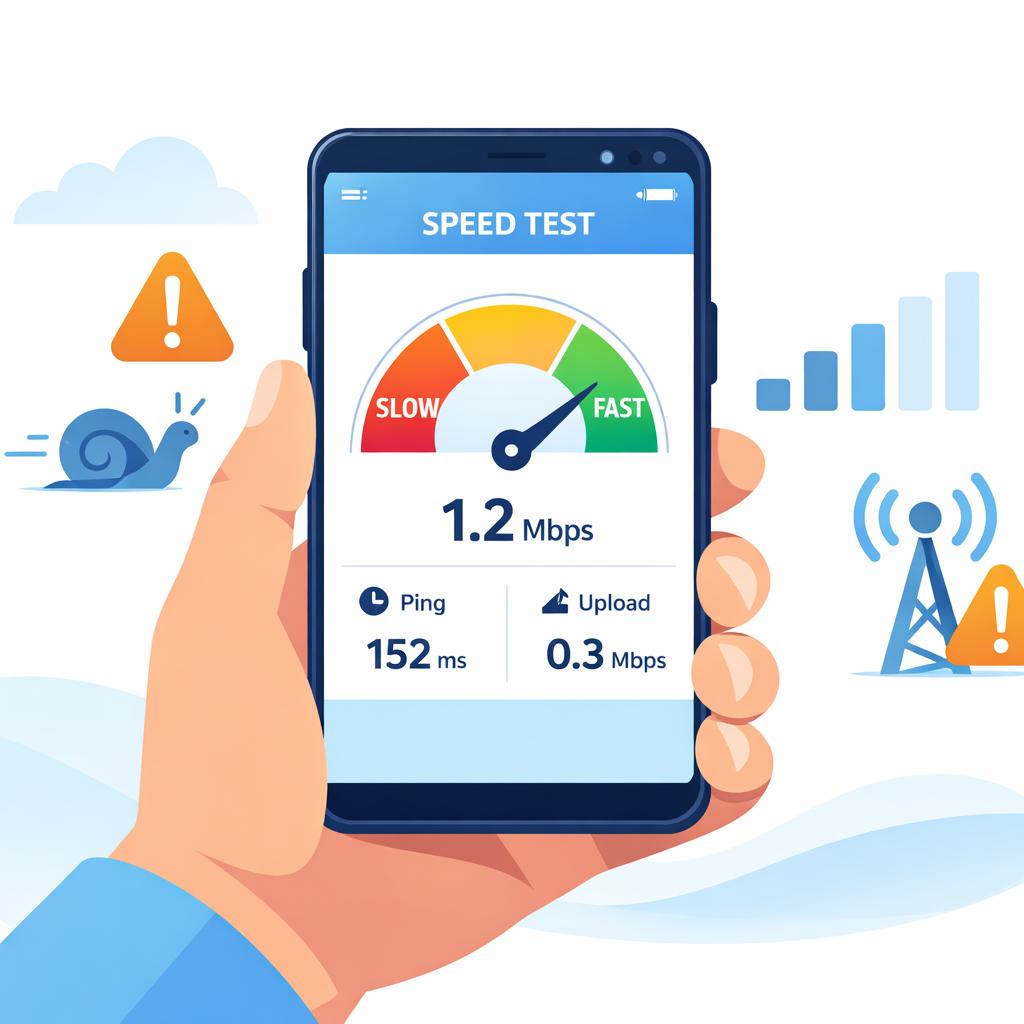
“Is my data being throttled?” is usually asked in one of two moments:
- you’re traveling and your maps won’t load, or
- you’re at home and your speeds randomly collapse in the evening.
The tricky part: slow data can be throttling, but it can also be congestion, coverage, or plan priority.
Throttling vs congestion: the fastest way to think about it
Carriers manage networks. One major reason speeds drop is network congestion—too many users in one place at one time.
T‑Mobile explains it plainly: when customer demand exceeds available resources, customers can experience reduced data speeds, and carriers may apply network management practices to improve overall experience.
Throttling, in everyday travel terms, usually means:
- you hit a limit (a high-speed allotment or “fair use” threshold), and speeds drop consistently.
Common reasons your data feels throttled
1) You hit your plan’s high-speed limit
Some plans reduce speed after the high‑speed allotment is used. For example, T‑Mobile notes that on certain plans, exceeding the selected high‑speed allotment can reduce speeds to 2G-speed levels for the remainder of the billing cycle.
2) Your plan is deprioritized during congestion
That means your data works fine most of the time… until a stadium, concert, or rush hour crushes the tower.
3) Your “unlimited” plan isn’t unlimited at full speed
Many “unlimited” offers are really “unlimited at full speed until X GB, then slower.” Even eSIM2get notes that on some unlimited bundles, after a certain amount of high-speed usage, you may be throttled rather than fully cut off (depending on the plan).
4) You’re actually out of data
On fixed-data bundles, once you consume all data, service stops (even if days remain).
A practical self-check: 5 minutes, no tech rabbit hole
- Check your data usage in your phone settings (and/or your eSIM dashboard).
- Test at two times: once during peak hours, once late night.
- Test two locations: near a window/outside vs deep indoors.
- See if everything is slow or only streaming apps.
- Toggle airplane mode for 10 seconds to force a network reattach.
If speeds are only terrible at peak times and improve elsewhere, congestion/deprioritization is more likely than a strict throttle.
What to do if you confirm throttling
- If you’re on a limited plan and you’re out: top up or switch to a higher data bundle.
- If you’re on an unlimited plan with a fair-use threshold: treat it like a “daily budget” and save heavy tasks (cloud backups, video uploads) for Wi‑Fi.
- If the slowdown is congestion: changing location (even 200 meters) can help because you may connect to a different cell sector.